Invite Team Members
Give colleagues their own login to the Pleevi Portal from Team in the left menu. The page lists everyone with access to your account and whether their invite is still pending.
- Click Invite by email.
- Pick the Type:
- Partner user can see and manage all your sites.
- Site owner can only see the sites you select under Sites.
- Enter their Email.
- Tick Invite as read-only viewer if they should see everything but change nothing.
- Click Send invite.
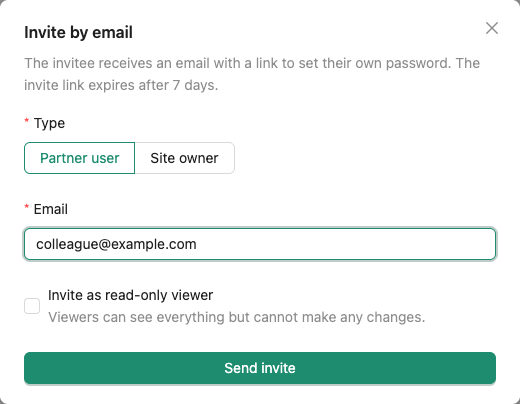
The invitee receives an email with a link to set their own password. The link expires after 7 days. Until they accept it, the Team page shows Invite pending.